Not Everything Happens on a Screen
Hybrid activities with and without a tablet: combining materials, recording what happens, and studying transfer without confusing data with conclusions.
Read moreYou choose a short activity and sit beside your child. The app asks the questions, helps when it is needed and steps back when it is not. Afterwards you see what they got on their own, where they needed a hand, and what to practise next.

Three questions, one minute, no signup. If the answer is "not yet", we hand you an off-screen plan instead of a subscription.
Something you can really use at home: no videos to save, no notebook to keep, nothing to set up before you start.
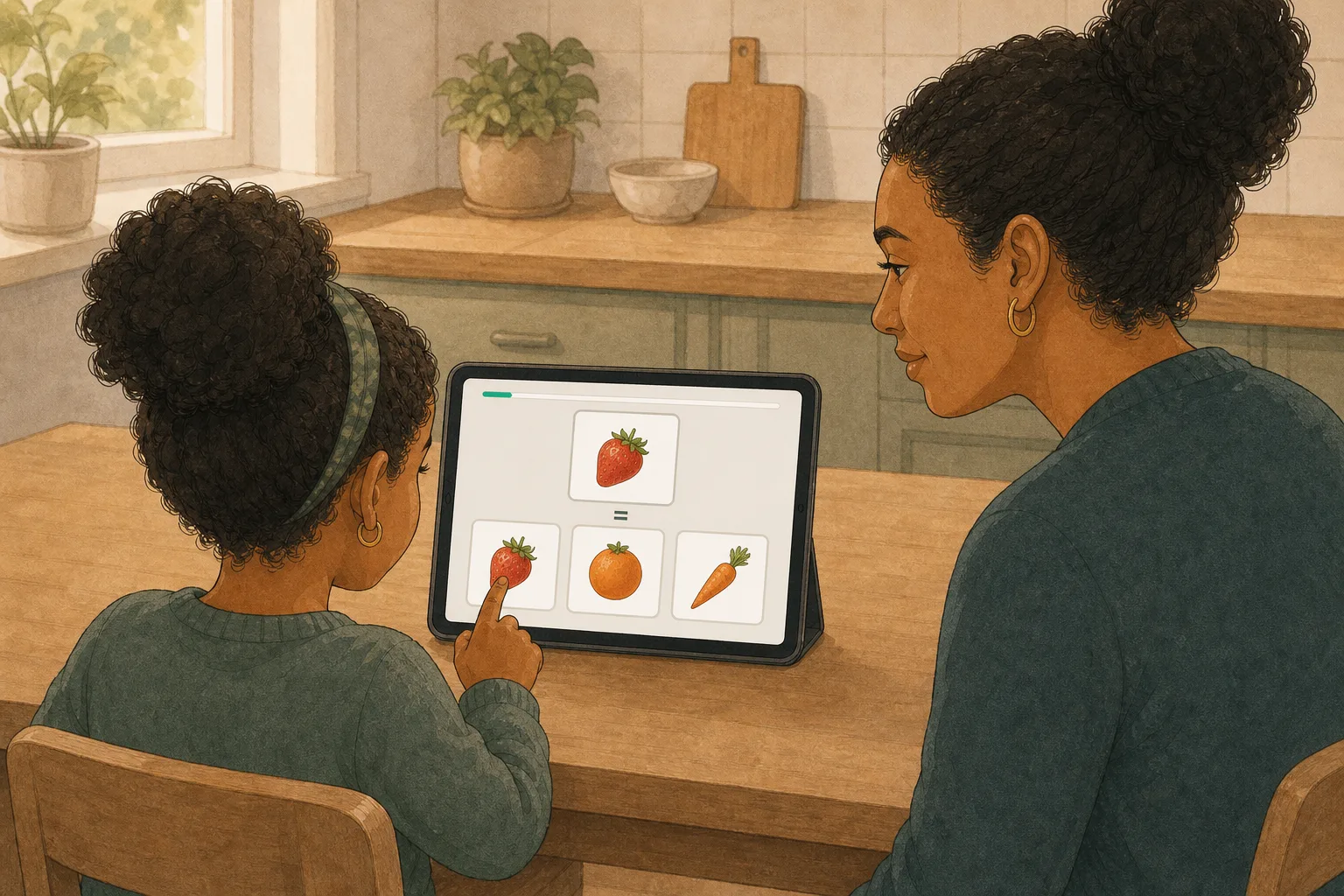
What your child actually practises. It works for children who are learning at their own pace and for children with a diagnosis.
For families practicing at home — the app plans every session.
Free for everyone during the testing phase, until 30 November 2026 — no payment required.
View plans & pricingNothing. Interlaza is free for everyone during our testing phase, until 30 November 2026 — every plan, no credit card required. We'll announce pricing before the phase ends, with plenty of notice.
Interlaza runs in the browser — nothing to install, though you can add it to the home screen and use it like an app, offline included. The child-facing screen scales to whatever size it is given and never shrinks a touch target below 80 px, so a phone works. A 10-inch tablet is the best size: that is where the images render at full scale. A 7–8 inch tablet is comfortable too. Instructors can plan sessions and record off-tablet trials from a phone or computer.
Yes. The app (interlaza.app) works fully offline — sessions run without an internet connection, and everything is stored on the device. Cloud backup is off until you turn it on; if you have turned it on, queued data syncs when the connection comes back.
The app is fully bilingual: English and Spanish. The interface, exercises, and all student-facing content support both languages. Additional languages are planned for future releases.
The Family plan supports a single learner. Professional includes up to 5 students at a flat monthly price. Researcher covers up to 25 students. Institution offers up to 100 students with custom pricing.
Hybrid activities with and without a tablet: combining materials, recording what happens, and studying transfer without confusing data with conclusions.
Read moreWhat extinction means in ABA, why the behavior gets worse before it improves, the three ways it goes wrong, and when it should not be used alone.
Read moreHow functional communication training works: finding what a behavior achieves, teaching a request that achieves the same, and the two mistakes that undo it.
Read moreFree to print
54 cards to cut out: the morning, mealtime, the bathroom, getting dressed, bedtime, going out, how I feel and asking for things. With a board to lay them out in order.
PDF · 13 pages · no sign-up
The illustrated article on activities with and without the tablet: how to combine the materials, what to record, and what can be concluded from it. With every figure.
Illustrated PDF · read it on the page
How a trial is put together, which variants exist, the errors that slip in unnoticed, and what to look at in the data afterwards. Read it on the page or take the whole thing.
PDF · 18 min read
Free until December: we are in testing. No card, no payment.
Start free Or see the plans first