
“She would not look at the screen” is often treated as a fact about the child. It may also be a fact about the sound, brightness, position, timing, task or room.
A better question is: what would make this session accessible and interpretable today?
A short check of access
Before the first route, look at a few practical responses:
- Can the child intentionally tap a large zone or button on the screen?
- Can they select between two clear options? (This helps choose the first activity; it is not needed to use the tablet at all.)
- Can they remain comfortable long enough to understand what the screen is asking?
- Try tapping and, where the activity allows it, dragging, on that same check screen: does one work better than the other?
These are observations, not pass/fail items. They help choose the response mode and first activity.
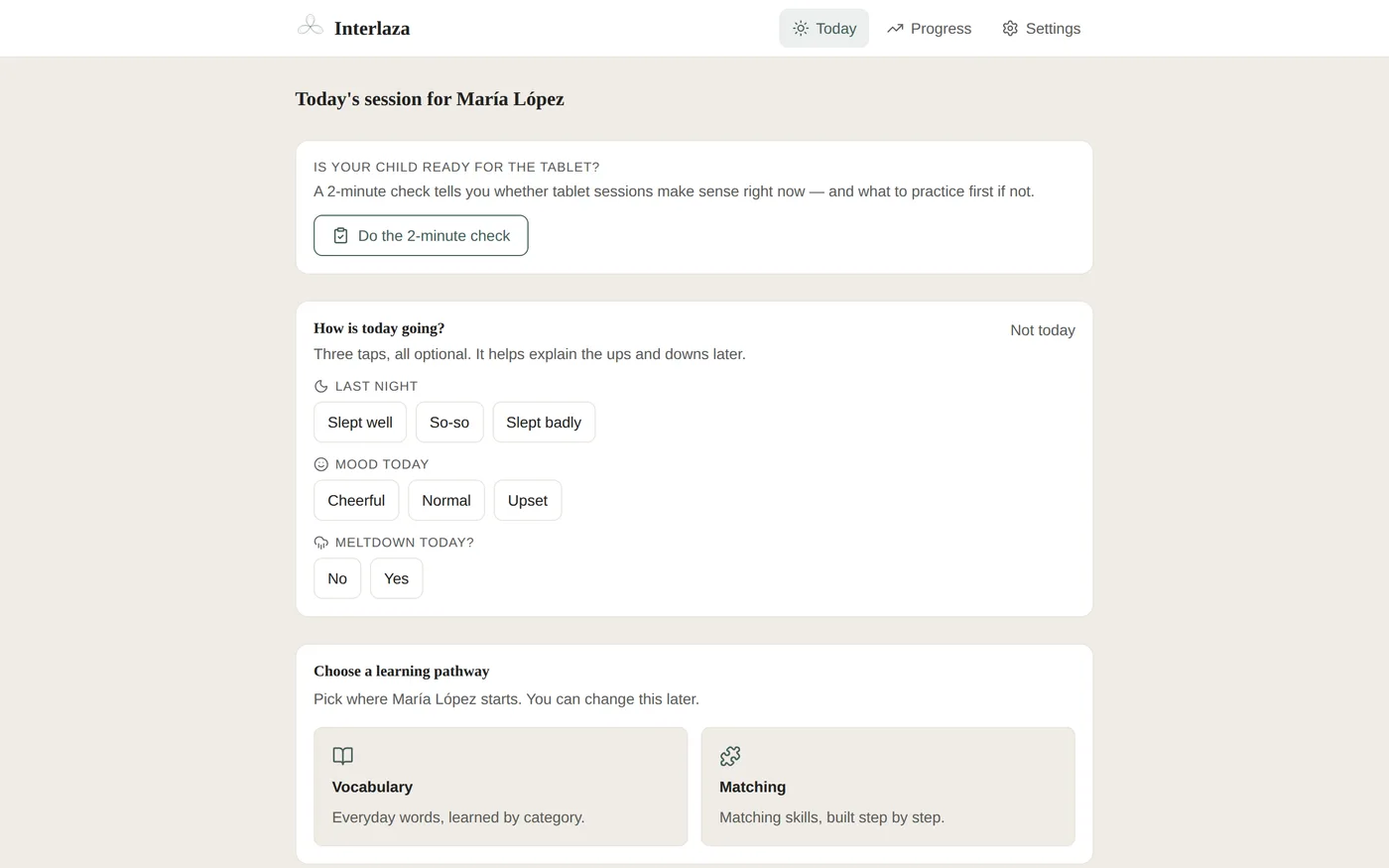
Check the device too
The child is not the only variable. Before starting:
- place the tablet securely in landscape;
- make sure every zone or button your child needs to tap is comfortably reachable;
- check that browser or system bars do not cover controls;
- set sound and celebration to what your child prefers;
- confirm the activity is downloaded for offline use, in case the connection disappears;
- remove reflections, noise or other competing demands when possible.
A larger screen can help, but inches alone do not decide accessibility. What matters is how big the thing to tap actually is, and whether your child can reach it comfortably.
Three useful starts, not three labels
- Start on the tablet when your child can reach the response and the room lets them take part.
- Use a short warm-up when the response format is emerging or the sensory conditions need gradual introduction.
- Work off the tablet when cards, objects or spoken interaction are the better medium today.
These are routes, not labels. The same child can move between them as the goal and the conditions change.
What “not today” protects
Forcing an on-screen session can produce data about distress, motor difficulty or wanting to leave, while the dashboard counts it as task results. Choosing another medium protects your child, and the meaning of what gets recorded.
Interlaza’s advantage is that the program can continue without confusing access with ability, whatever interface a child ends up ready for.